
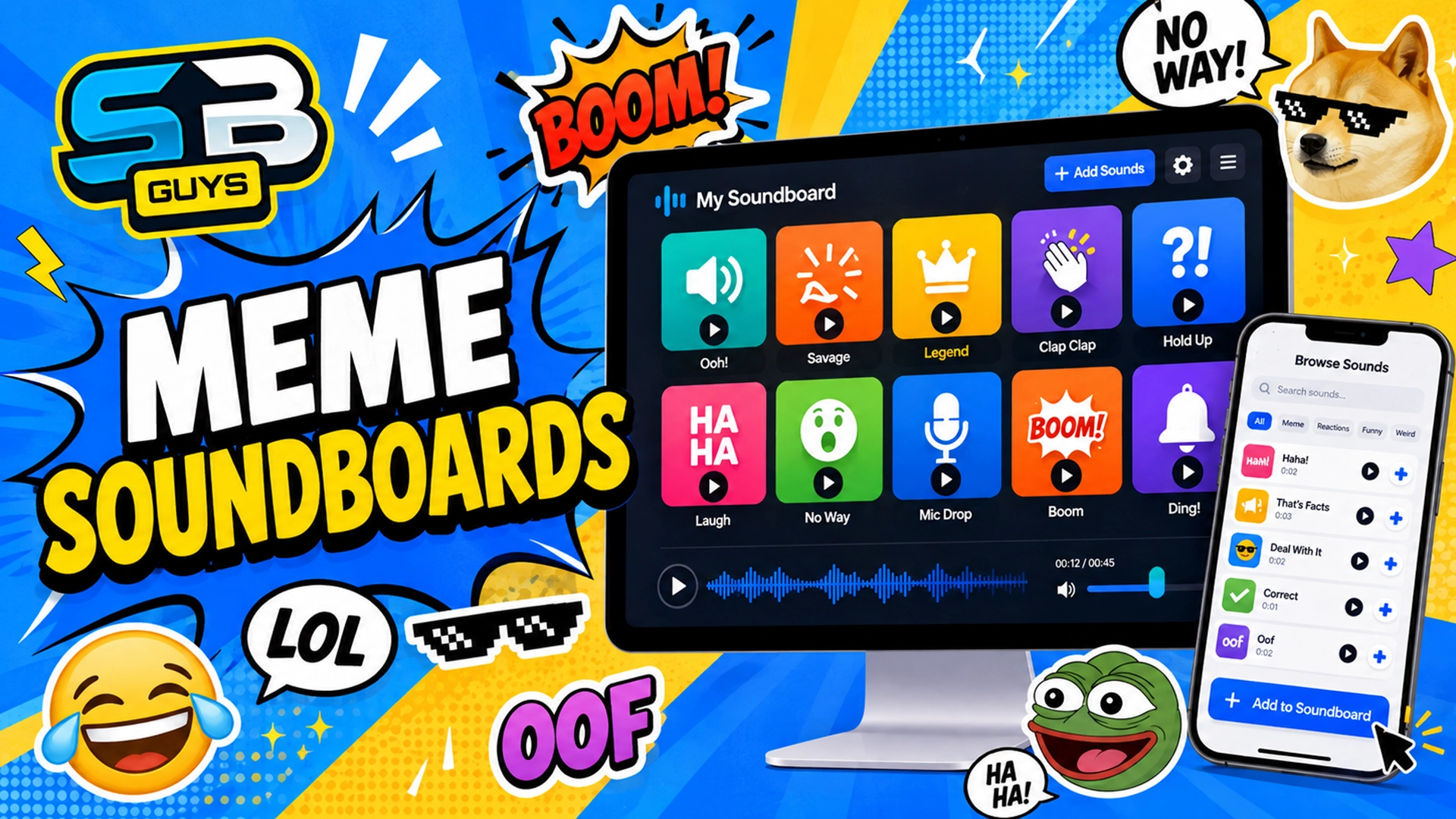
A meme soundboard is a collection of sound buttons that lets you instantly play popular memes, sound effects, voice clips, reactions, and recognizable audio moments.
Instead of searching for the same sound every time you need it, a soundboard organizes your favorite audio clips in one convenient place. With a single click or tap, you can play the perfect reaction sound during a gaming session, Discord call, livestream, video edit, or conversation with friends.
Soundboards can include everything from classic internet memes and funny voice lines to dramatic sound effects, gaming clips, notification sounds, and viral audio.
With SoundboardGuys , you can browse thousands of sound buttons and organize your favorites into your own custom meme soundboards.
What Is a Meme Soundboard Used For?
A meme soundboard can be used anywhere that a quick and recognizable sound can make a moment funnier or more entertaining.
People commonly use meme soundboards for:
- Playing reaction sounds during Discord calls
- Adding sound effects to livestreams
- Finding audio clips for YouTube, TikTok, and Instagram videos
- Playing funny sounds while gaming with friends
- Organizing favorite memes and sound effects
- Quickly accessing commonly used audio clips
- Creating themed soundboards for games, characters, creators, or communities
For example, you could create one soundboard containing your favorite reaction sounds and another dedicated to sounds from a particular game, television series, meme, or online creator.
Why Create Your Own Meme Soundboard?
Public soundboards are useful for discovering popular collections, but creating your own gives you control over which sounds are included.
Your custom soundboard can be organized around any topic you choose. You might create a soundboard for:
- Funny reaction sounds
- Gaming sound effects
- Viral TikTok sounds
- YouTube editing sounds
- Anime voice lines
- Movie quotes
- Notification sounds
- A specific game, character, meme, or content creator
Creating separate soundboards also makes it easier to find the right audio quickly. Instead of searching through the entire SoundboardGuys library, you can open your personal collection and immediately access the sounds you use most often.
How to Create a Soundboard on SoundboardGuys
Creating your own soundboard on SoundboardGuys only takes a few steps.
1. Log In to Your SoundboardGuys Account
Start by logging in to your SoundboardGuys account. Once you are signed in, visit your profile to access your account features and saved soundboards.
2. Open the Soundboards Tab
From your profile, select the Soundboards tab. This section displays the soundboards you have already created and gives you the option to create a new one.
3. Create a New Soundboard
Select the option to create a new soundboard and give it a clear name that describes the type of sounds you plan to add.
For example, you could name your soundboard:
- Best Meme Sounds
- Discord Reactions
- Gaming Sound Effects
- YouTube Editing Sounds
- My Favorite Sounds
A descriptive name will make your soundboard easier to recognize later, especially as you create more collections.
4. Add Sounds to Your Soundboard
After creating your soundboard, you can begin adding sounds from the SoundboardGuys library.
Find a sound you want to save and open its sound page. Press the Add to Soundboard button, then select the soundboard where you want the sound to appear.
You can repeat this process with as many sounds as you want to build a collection that matches your interests.
Add Sounds While Browsing SoundboardGuys
You do not have to visit your profile every time you want to update a soundboard.
While browsing SoundboardGuys , open any sound that you like and press the Add to Soundboard button. You can then select one of your existing soundboards and add the sound directly to it.
This makes it easy to gradually build your collections as you discover new meme sounds, sound effects, voice clips, and viral audio.
For example, while browsing trending sounds, you might find a funny reaction that would fit perfectly in your Discord soundboard. You can add it immediately without leaving the sound page.
Tips for Building a Great Meme Soundboard
The best soundboards are usually organized around a clear topic or purpose. Instead of adding every sound to one large collection, consider creating several smaller soundboards for different situations.
You could keep your reaction sounds separate from your gaming sounds, or create individual soundboards for different games, creators, memes, characters, or video projects.
It can also help to include a mixture of short reactions and longer audio clips. Quick sounds are ideal for conversations and gaming, while longer clips may work better for video editing or entertainment.
Continue updating your soundboards as new memes and viral sounds become popular. Your collections can grow and change as you discover more audio on SoundboardGuys.
Find Sounds for Your Custom Soundboard
SoundboardGuys makes it easy to browse and discover sounds from across internet culture. You can explore popular, trending, and recently added sounds or browse different categories to find audio that matches your soundboard.
When you find something you want to keep, simply open the sound and use the Add to Soundboard button to add it to one of your collections.
Whether you are creating a soundboard for Discord, gaming, livestreaming, video editing, or just having fun with friends, a custom soundboard gives you fast access to the sounds you enjoy most.
Create Your Own Meme Soundboard Today
A meme soundboard is one of the easiest ways to organize and play your favorite sounds. Instead of repeatedly searching for individual audio clips, you can collect everything you need in one convenient place.
Log in to SoundboardGuys, visit the Soundboards tab on your profile, and create your first custom soundboard. You can then browse the SoundboardGuys sound library and use the Add to Soundboard button to build your collection one sound at a time.
Browse sounds on SoundboardGuys and start creating your own meme soundboard.